Silenzio
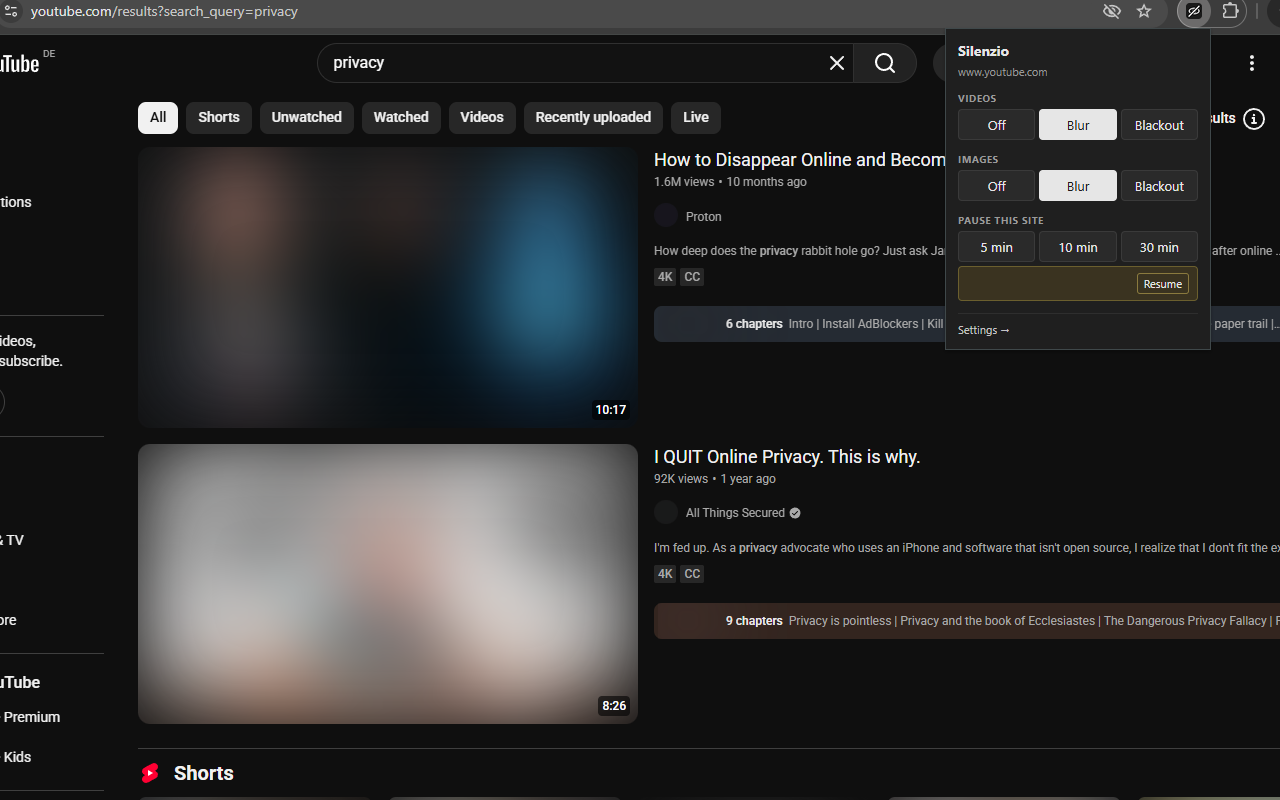
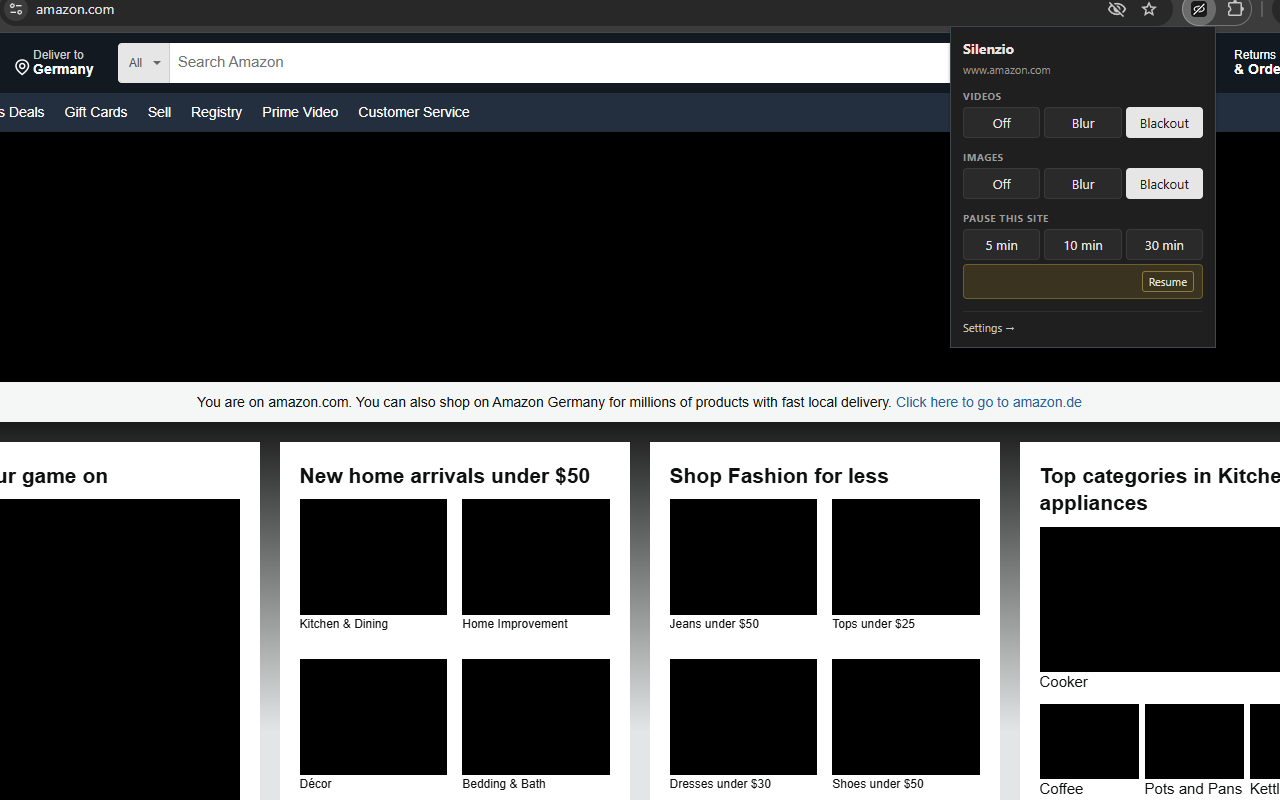
A cross-browser extension that blurs or blacks out videos and images and mutes audio across the web — useful when you want to scroll feeds without being pulled in by autoplay, motion, or unexpected visual content.
Works on standard <video> players, short-form feeds (YouTube Shorts, LinkedIn feed, etc.), and all <img> content (JPG, PNG, GIF, WebP, SVG-as-img).
Install from the Chrome Web Store → ·
Screenshots
Features
- Per-type modes — independent Off / Blur / Blackout for videos and images.
- Audio muting —
<video>and<audio>are muted whenever video filtering is active. Capture-phase listeners catch sites trying to unmute or swap sources. - Scope — apply everywhere, only on a list of sites, or everywhere except a list of sites. Hostname suffix match (one entry covers subdomains).
- Per-URL rules — override the mode for specific URLs. Pattern is
hostname/path(end the path with*for a prefix match); first match wins, otherwise the global modes apply. - Long-press reveal — hold a blurred image or video for ~400ms to peek at it, release to re-apply the filter. The follow-up click is suppressed, so peeking a blurred linked image won’t navigate. Toggle in settings.
- Pause timers — pause on the current site for 5/10/30 minutes from the popup, or pause globally for 15/60 minutes from settings. Auto-resumes. Applies across embedded cross-origin frames on the tab.
- Working hours — optional schedule so Silenzio is only active during a daily time window on selected days (default Mon–Fri 09:00–17:00).
- Dark mode — popup and settings follow your browser/OS theme.
Install
Chrome / Edge
Install from the Chrome Web Store.
To load from source (for development, or to try changes before a release reaches the store):
- Open
chrome://extensions(oredge://extensions). - Enable Developer mode.
- Click Load unpacked → select this repo’s extension/ subdirectory.
Firefox
Install from Mozilla Add-ons (AMO). On first install, click the Silenzio toolbar icon → puzzle-piece menu → Silenzio → Always allow on all websites (one-time; Firefox MV3 requires this host-permission grant explicitly, or nothing will blur).
To load from source instead (for development, or to try changes before a release reaches AMO):
- Open
about:debugging#/runtime/this-firefox. - Click Load Temporary Add-on… → pick extension/manifest.json.
- Click the Silenzio toolbar icon → puzzle-piece menu → Silenzio → Always allow on all websites. (One-time; Firefox MV3 requires explicit host-permission grant.)
Usage
Click the toolbar icon to open the popup:
- Mode rows for Videos and Images — Off / Blur / Blackout.
- Pause this site — 5 / 10 / 30 minute buttons.
- Settings → opens the full options page (scope rules, per-URL rules, long-press reveal, working hours, global pause).
To peek at a blurred element without changing any setting, press and hold it for ~400ms; release to re-blur.
What’s not handled (yet)
- CSS
background-imagedecorations (avatars, hero banners painted viabackground-image). - Inline
<svg>(icons mostly —<img src="*.svg">is handled). <canvas>elements.- Web Audio API graphs that bypass
HTMLMediaElement.muted.
Privacy
Silenzio collects no data, transmits nothing, and uses no third-party scripts. See PRIVACY.md for the full policy and permission justifications.
Development
Manifest V3 cross-browser package — no build step. The content script runs on every frame at document_start, applies CSS filter classes to <video>, <audio>, and <img> elements, and re-applies on DOM mutations via MutationObserver. State — modes, scope rules, pause expiries, working-hours schedule — is stored as a single object in chrome.storage.local. The popup and options page subscribe to storage.onChanged so changes propagate live to every open tab.
To regenerate the toolbar icons after editing scripts/make-icons.py:
python3 scripts/make-icons.py
Requires Pillow (pip install pillow).
License
MIT.